
You should test the ram using something like memtest86+, that will tell you for sure whether the memory is good.
If you have LInpus Lite then you can install memtest86+ as follows
now edit /boot/grub/grub.conf, remove the hiddenmenu command and increase the timeout to 10 secs, and then add a stanza for memtest86+,
reboot and use the cursor keys to select memtest86+ at the grub menu. Let it run for half an hour or 1 complete pass, if no errors then your ram is good.
If you have LInpus Lite then you can install memtest86+ as follows
Code:
 sudo yum install memtest86+
sudo yum update grub
sudo grub
grub> root (hd0,0)
grub> setup (hd0)
grub> quit
now edit /boot/grub/grub.conf, remove the hiddenmenu command and increase the timeout to 10 secs, and then add a stanza for memtest86+,
Code:
default=0
timeout=10
#splashimage=(hd0,0)/boot/grub/splash.xpm.gz
color=green/black

title Default Kernel Aspire One
        rootnoverify (hd0,0)
        kernel /boot/bzImage ro root=LABEL=linpus vga=0x311 selinux=0 splash=silent loglevel=1 nolapic_timer
        initrd /boot/initrd-splash.img

title memtest86+
       rootnoverify (hd0,0)
       kernel /boot/memtest86+-1.70
reboot and use the cursor keys to select memtest86+ at the grub menu. Let it run for half an hour or 1 complete pass, if no errors then your ram is good.

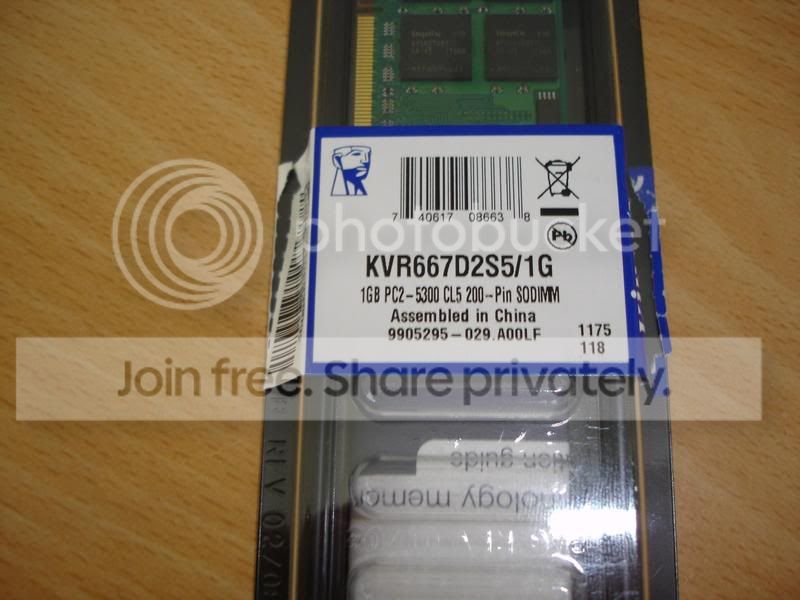

 .
. im just happy my AAO is alive and kicking again :mrgreen:

